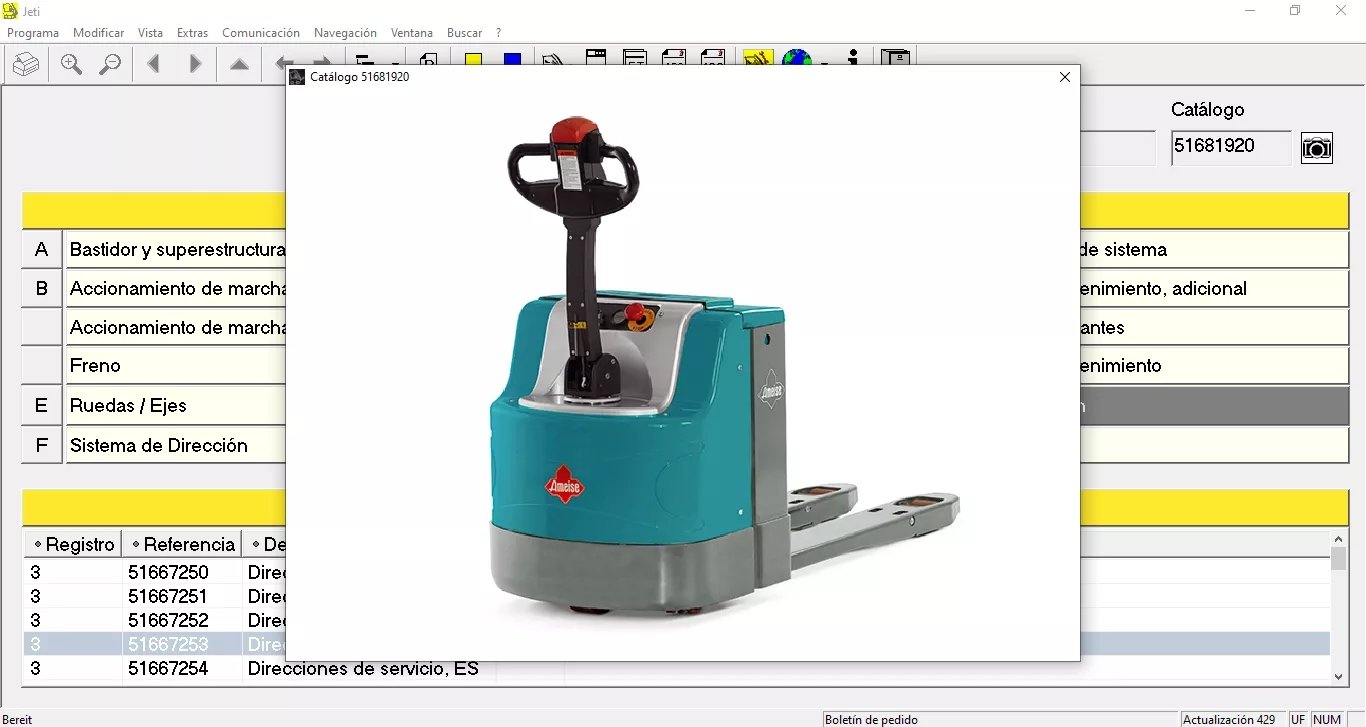
ungheinrich Judit-4 Diagnostic software v4.36+ Repair manual Jeti SH 4.36+ Jeti ET V4.36 Spare Parts catalog
Total : 3 DVD (we will prodive license key+expired patch+remote technical support)
Region: All regions
Type: Spare Parts Catalogue,Repair Information, Diagnosis
Languages: English, Danish, German, Dutch, Norwegian, Polish, Russian
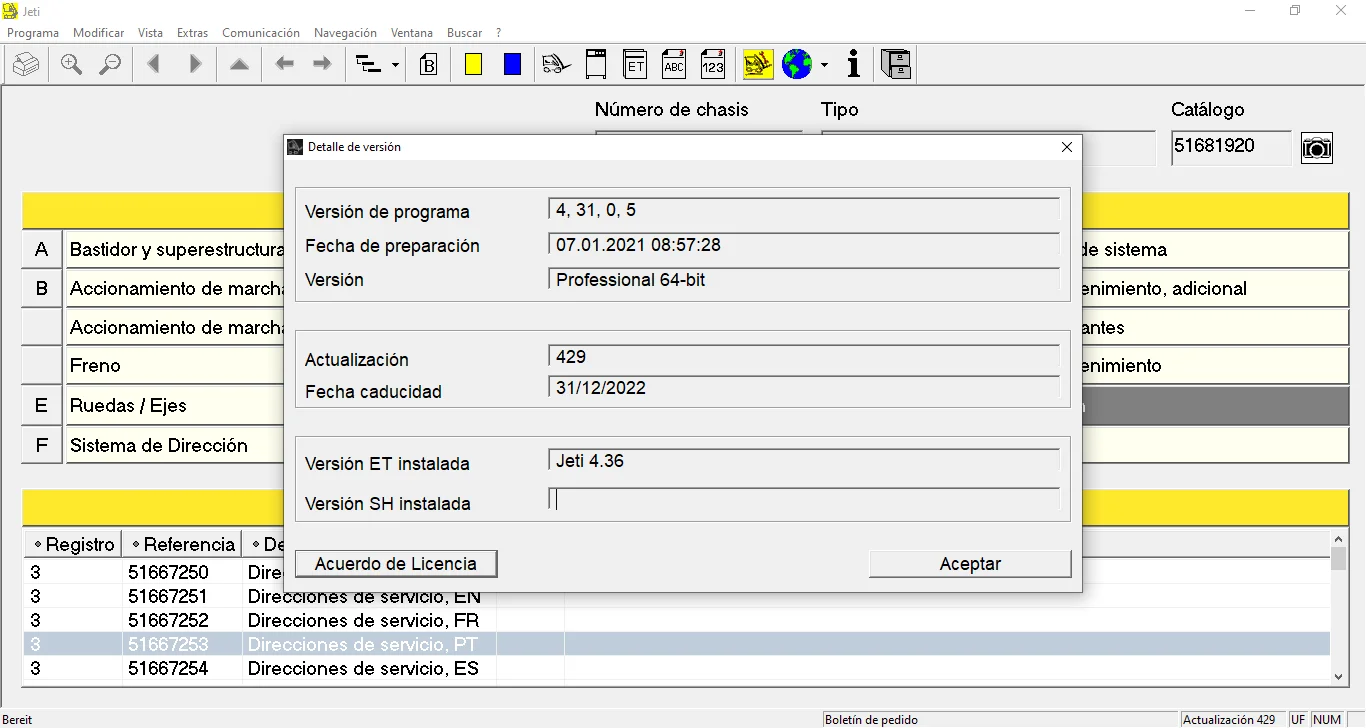
Version: 4.36
OS: WinXP, WIN7 .8.10
Quantity of CD: 3 DVD
The complete set of the catalogue for fork lift loaders JETI (Jungheinrich Judit) v4.34 [2018] consists from :
Package :
Jeti ET 4.36.ISO
Jeti SH 4.36.ISO
Judit JAG 4.36.ISO
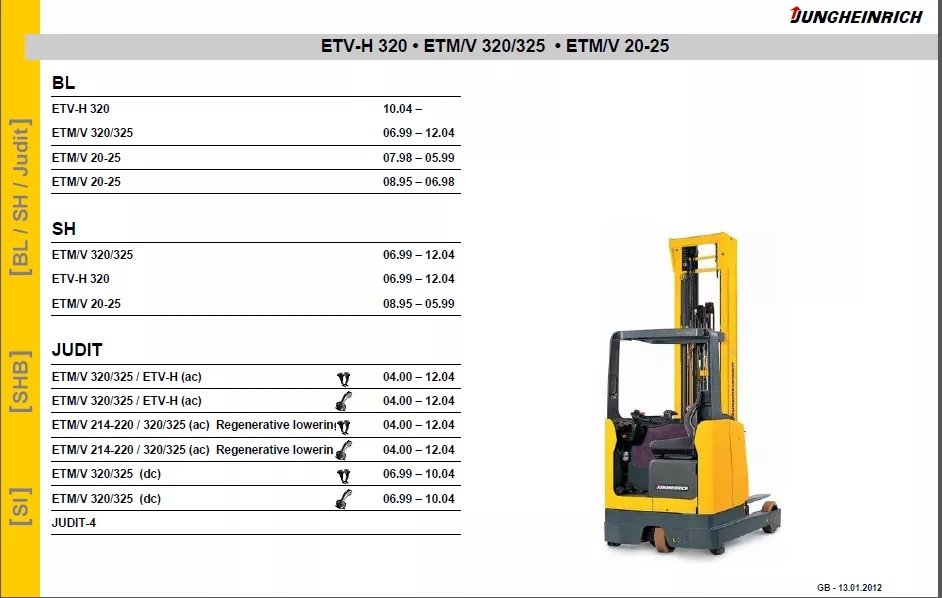
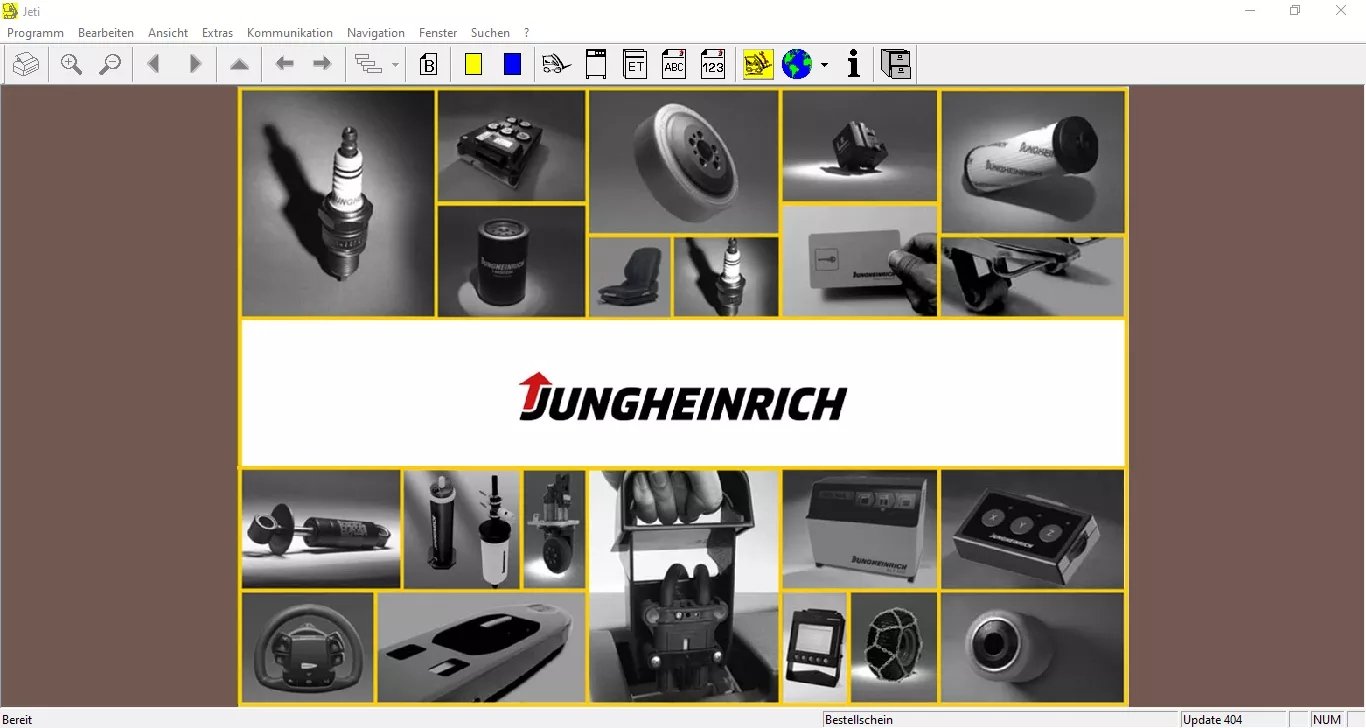
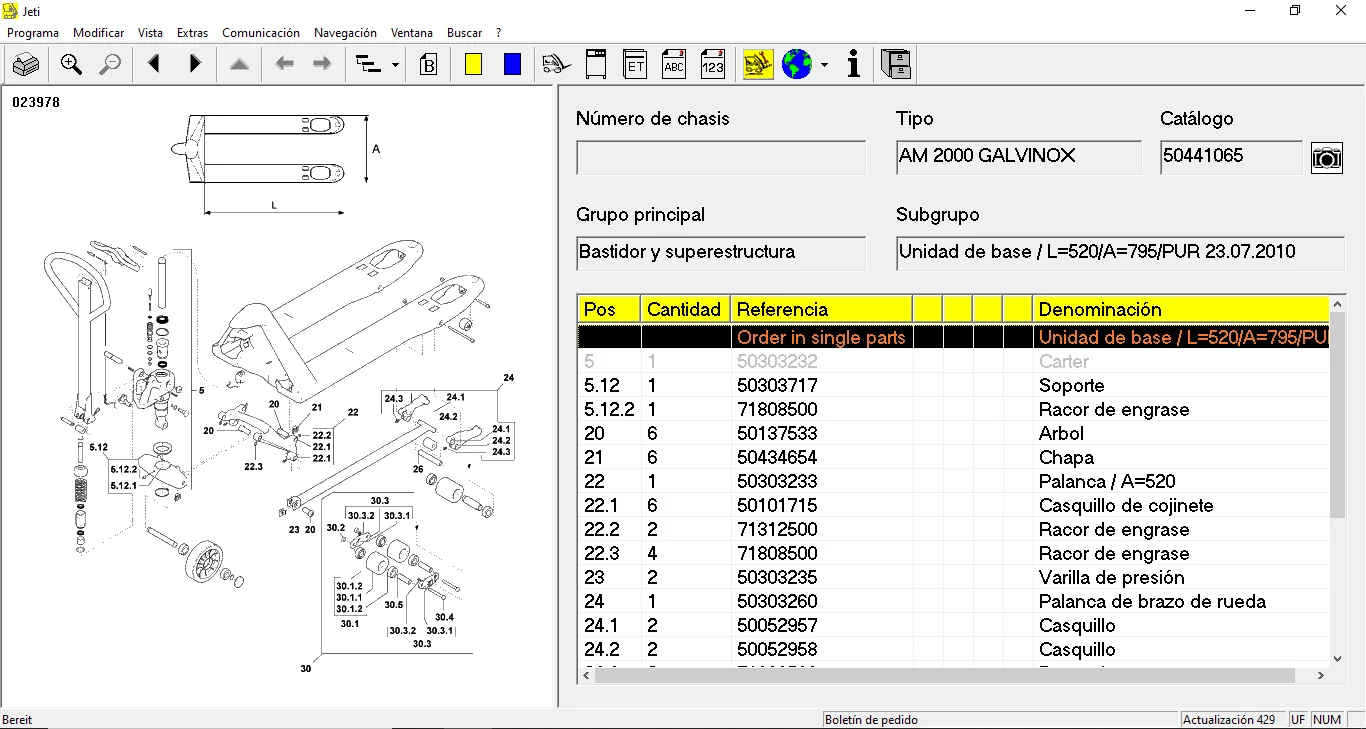
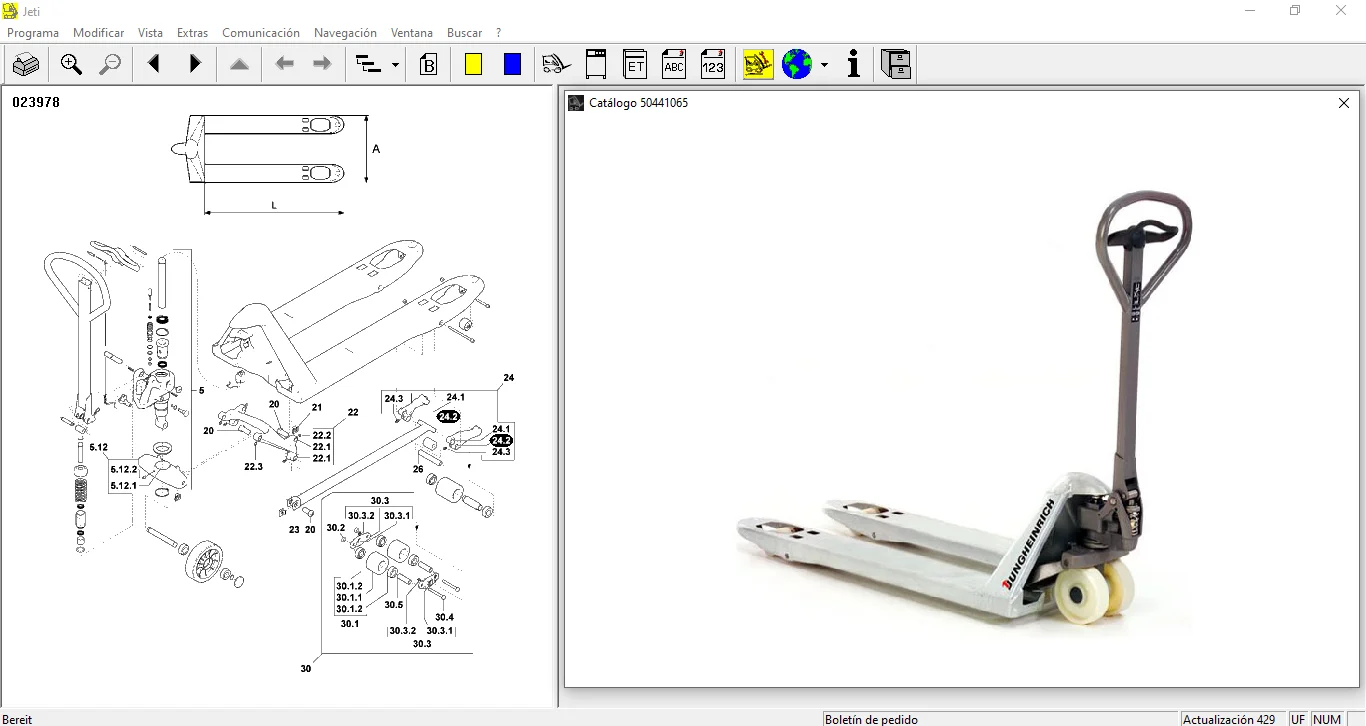
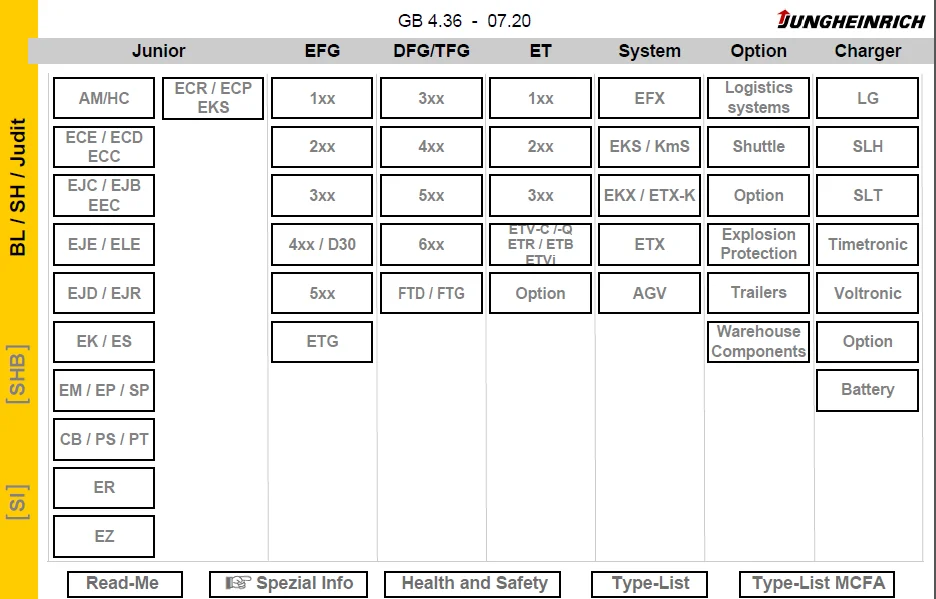
– Spare Parts Catalogue Jeti ET 4.36
– Repair Information Jeti SH 4.36- ONLY EN, and DE languages available!!!
– Spare Parts Catalogue Jeti BOSS
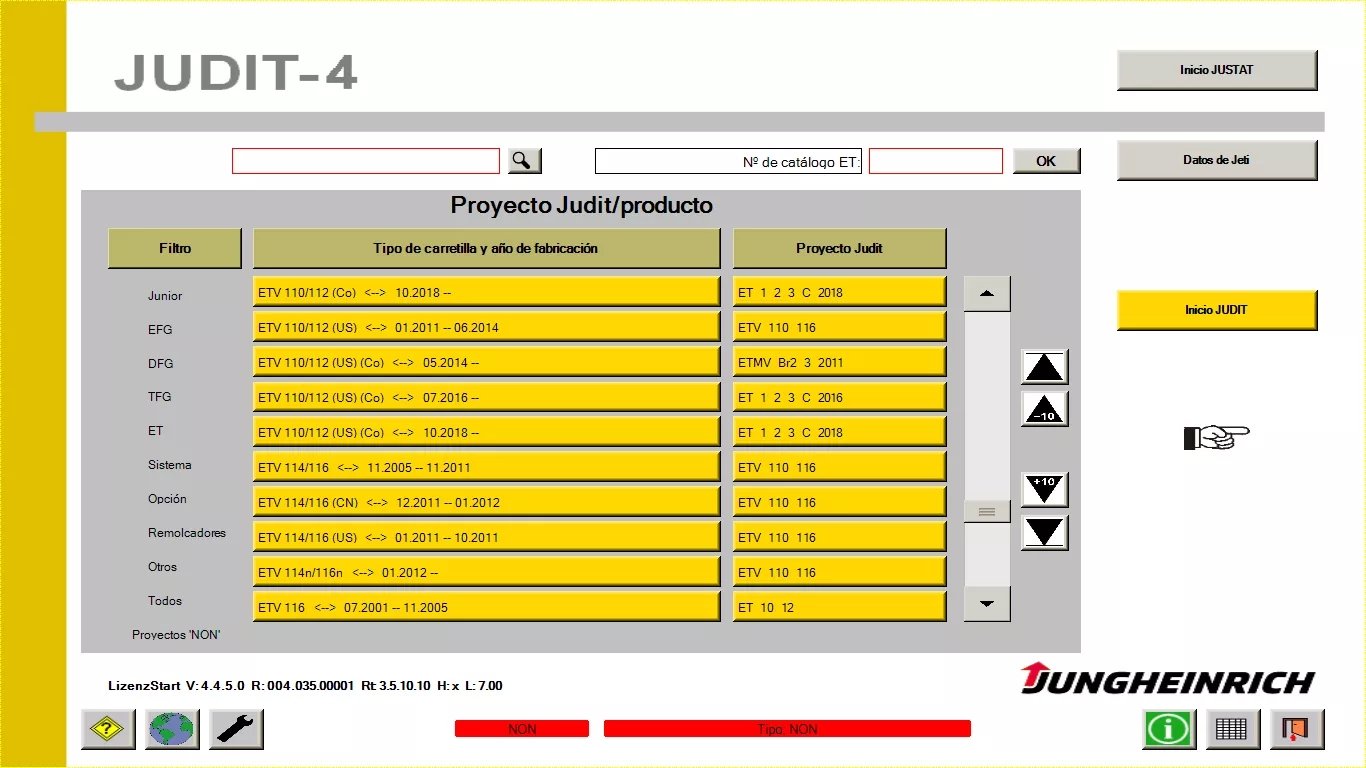
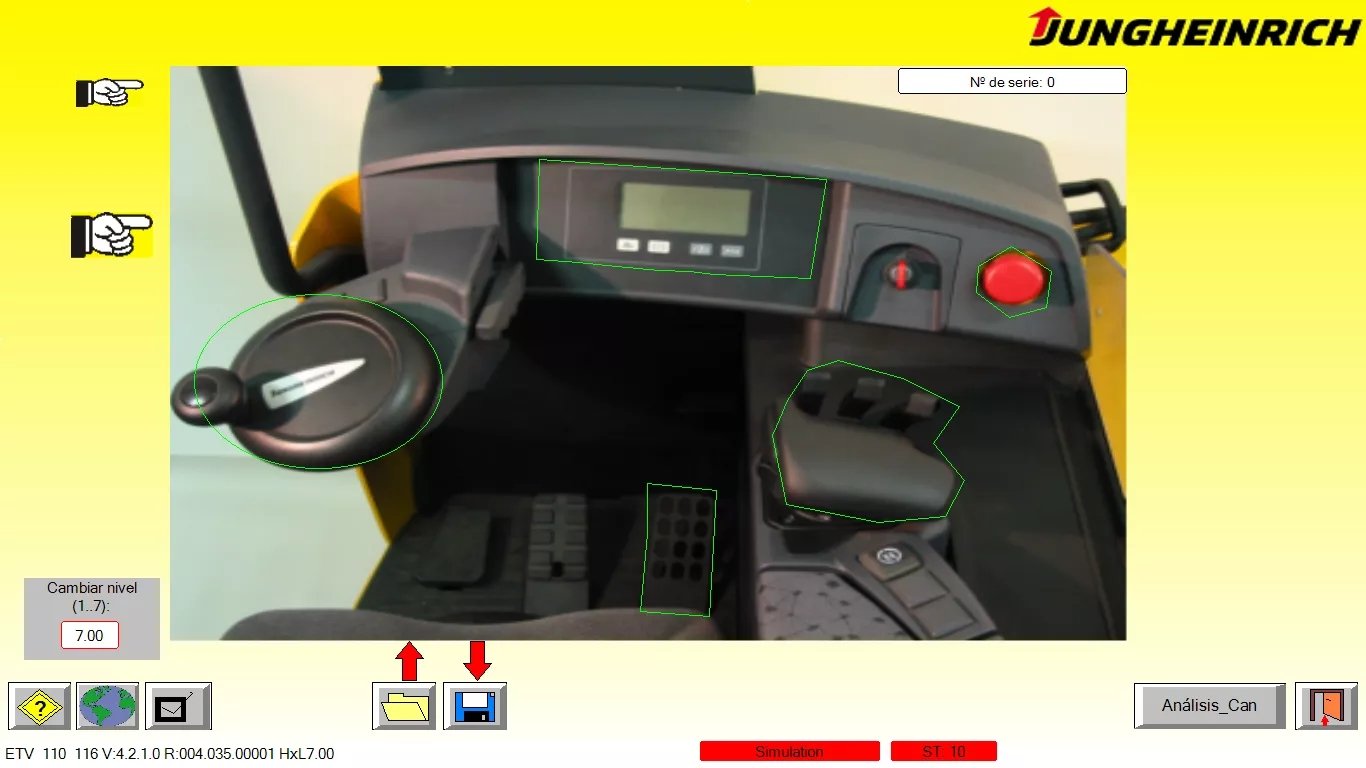
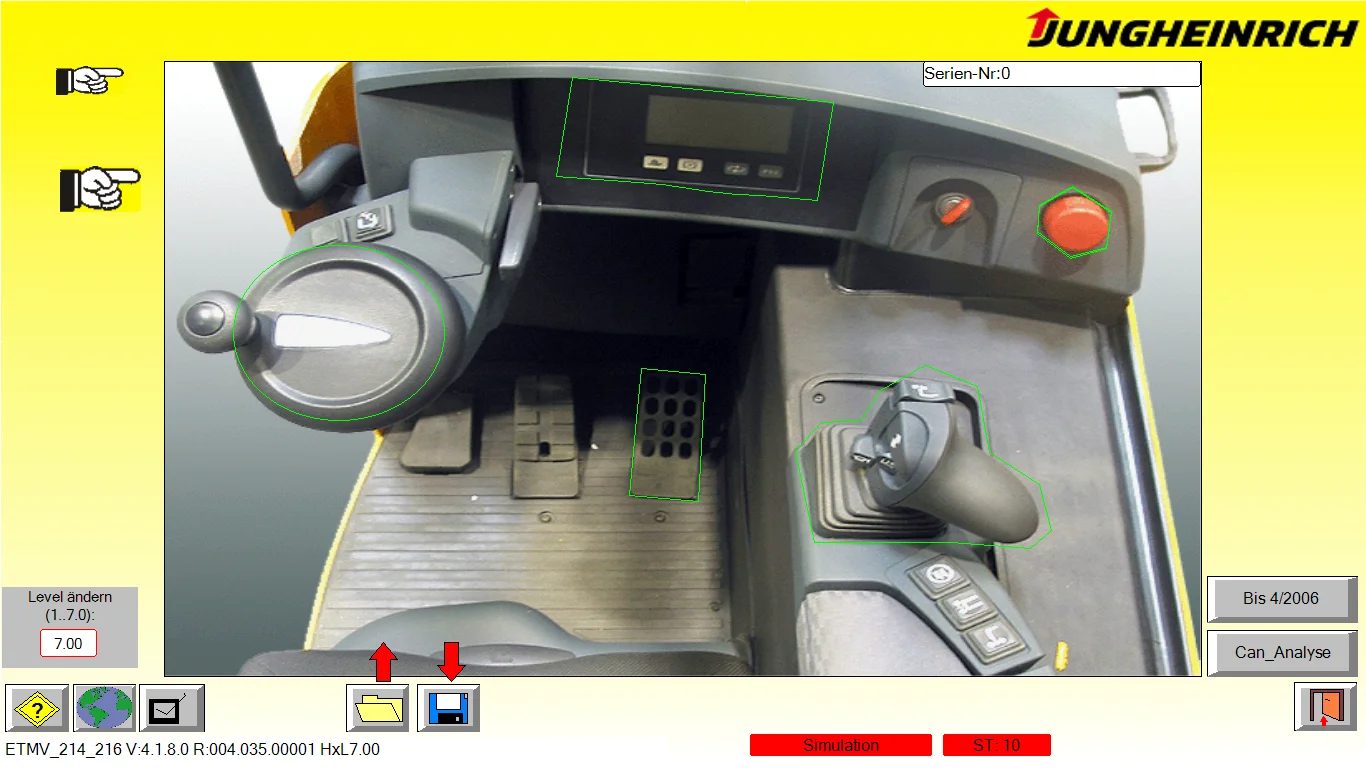
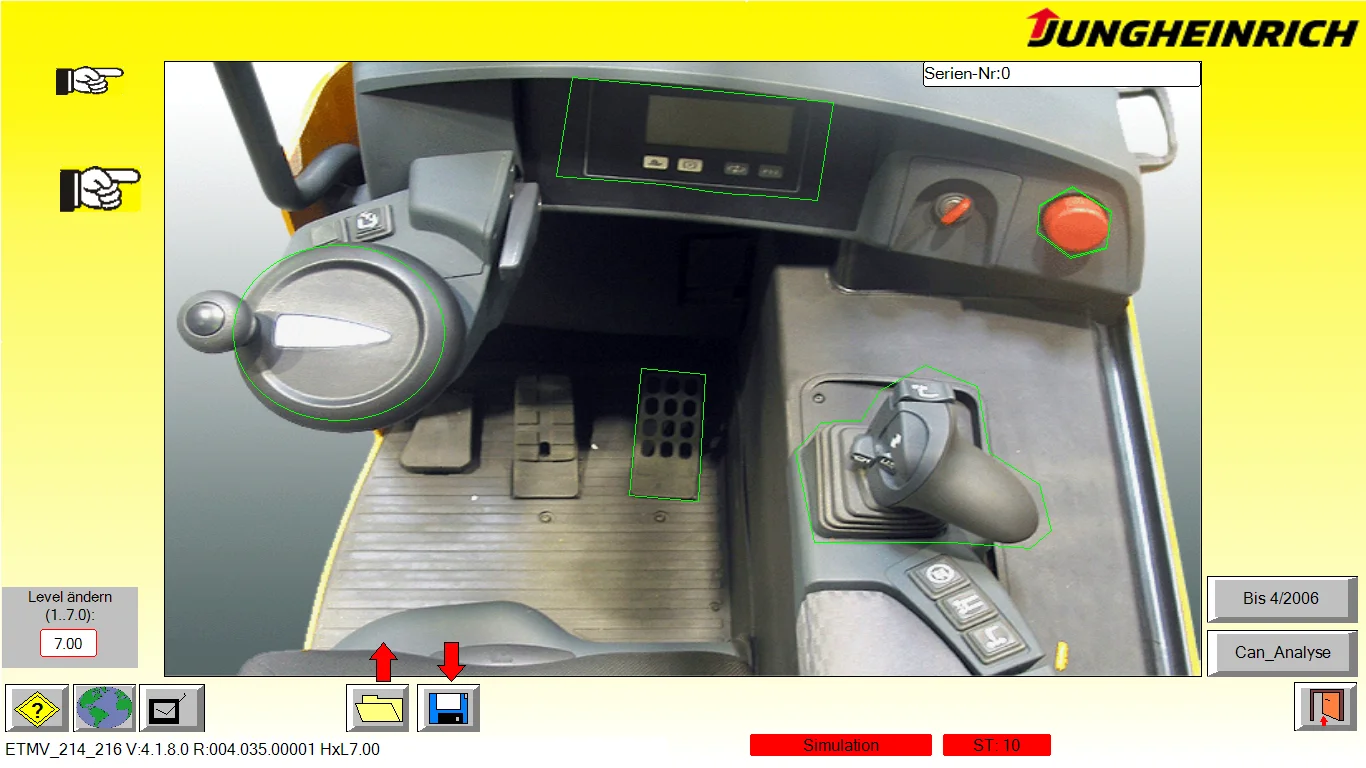
– Jungheinrich-Diagnosis-Tool-Software Judit 4.36
judit
Software JUDIT-4 – Ladies and Gentlemen, Together with this memo you are receiving the current Jungheinrich diagnostic tool software on this DVD. How to install
Changes and supplements:
The following items have been improved or newly introduced in this issue:
· Basic software CoDeSys Runtime [version 3.5.1.20] debugged
· Miscellaneous projects revised
· Selection Katliste.csv aligned
· “Zusatzdiagnose” setup process reorganized, therefore a new one-time installation is necessary!
Initial Setup on service laptop:
1. Judit-4
· Note: the initial setup requires admin permissions!
(For initial setup under control of JH-MTATools see page 4)
· Insert DVD and launch Windows Explorer.
· Right click Judit-4-Installer.exe to start installation.
· Mark “Update”. Finally click button “Start”.
· Mark “Full installation” if an older version has to be uninstalled (the content of the folder “C:Program FilesJungheinrich AGDiagnoseJudit-3” will be deleted completely!). Finally click button “Start”.
· End of installation is indicated by the following dialog box. Hit Button “OK” to exit.
· Make sure that the Judit-4-license file “License_JH.lfj” is present inside the folder “C:Program
FilesJungheinrich AGDiagnose Judit 3Kunde”, otherwise you will receive an error message “100” when starting Judit-4 !
· Note: JUDIT 4 must be installed to C:Program FilesJungheinrich AGDiagnoseJUDIT-3 !
. Auxiliary Diagnostic Program and OEM-Software (see also “Zusatzdiagnose 4.27.pdf”!)
· For installation of the Auxiliary Diagnostic Program “Zusatzdiagnose-Setup.exe” has to be executed from the DVD.
· Note: during the installation of SICK software “CDS” you will be asked for restarting. Please
click on button “NO” and restart only when installation has finally finished!
Installation via JH-MTATools:
· If JH-MTATools (> = version 1.00.0010) is present on the service PC, installation is possible
with only user permissions. No admin required.
· Insert DVD and open Windows-Start-Menu. Run “Judit 4 Setup” under Start / Program Files /
JH-MTATools.
· If not currently present, copy license file “License_JH.lfj” into the folder “C:Program
FilesJungheinrich AGDiagnose Judit-3Kunde”, otherwise you will receive the error message “100” when starting Judit-4 !
· For installation of the Auxiliary Diagnostic Program “Zusatzdiagnose-Setup.exe” open
Windows-Start-Menu. Run Start / Programme / JH-MTATools / Judit ZD Update. Please follow the note on page 3 below!
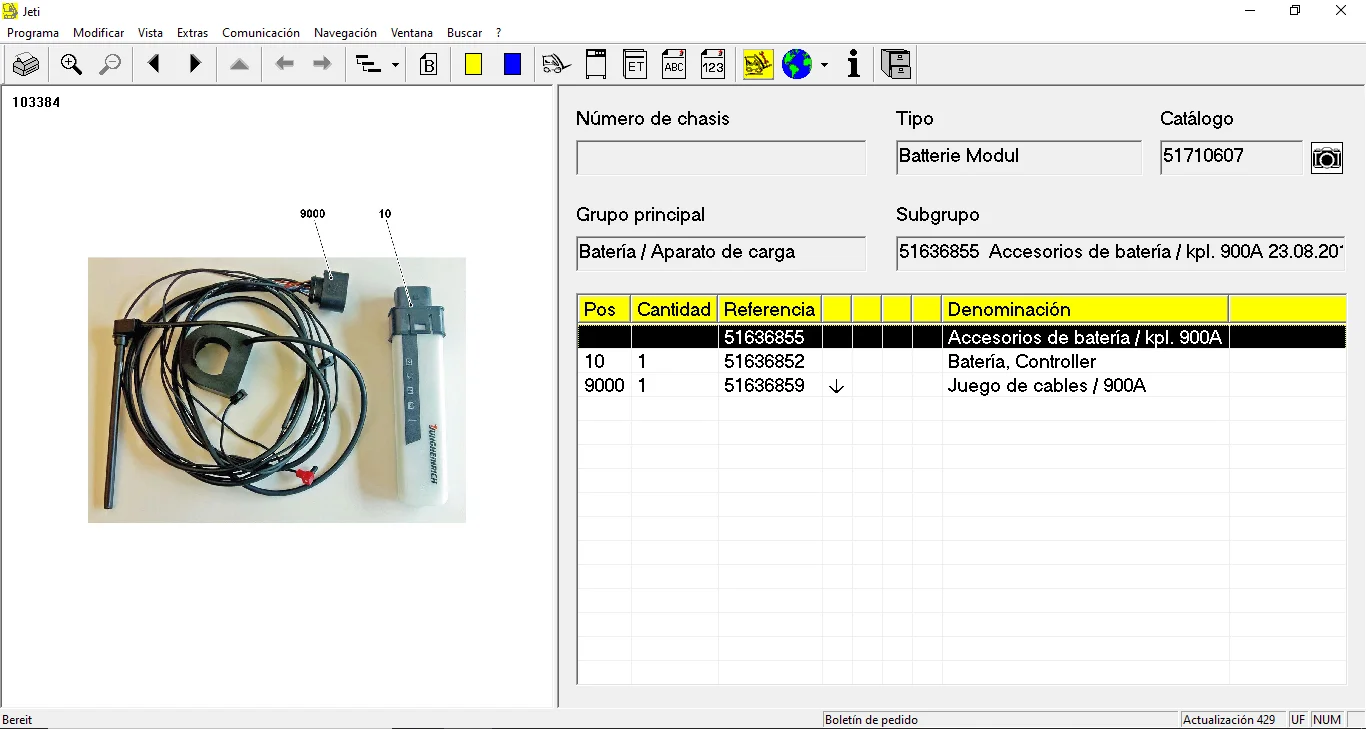
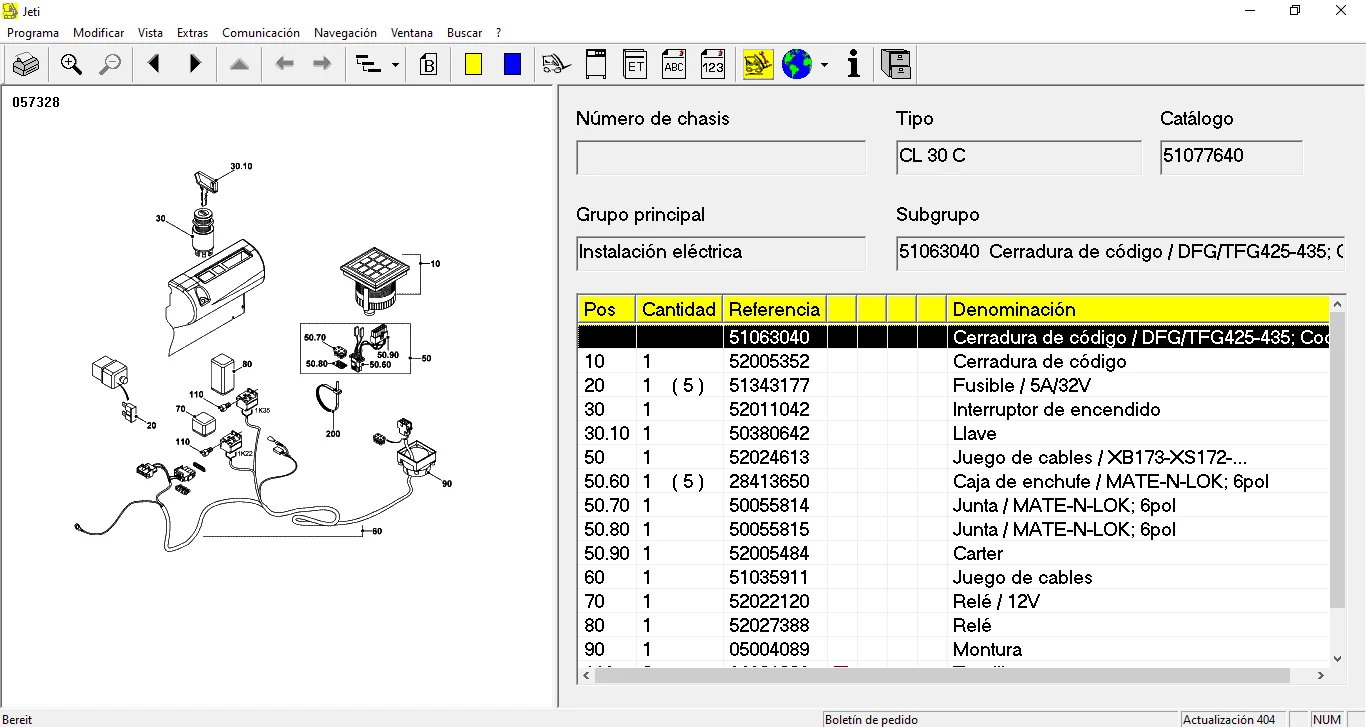
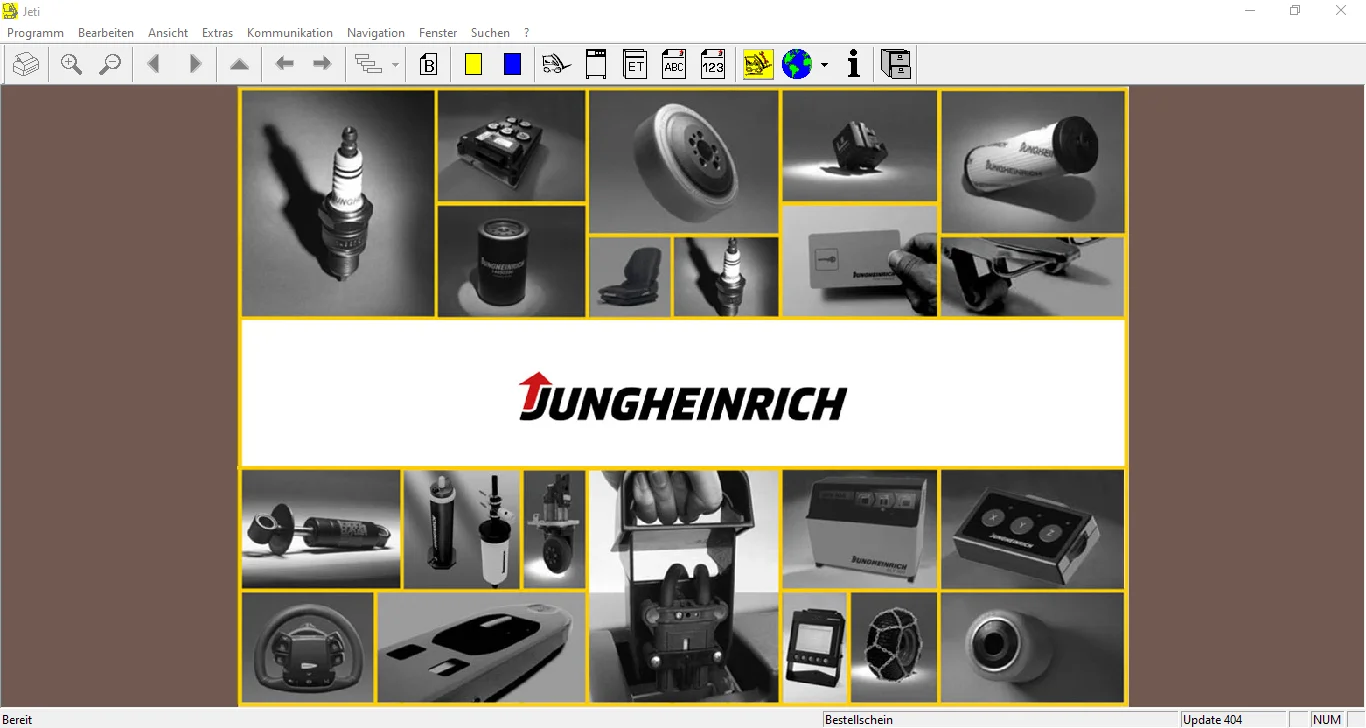
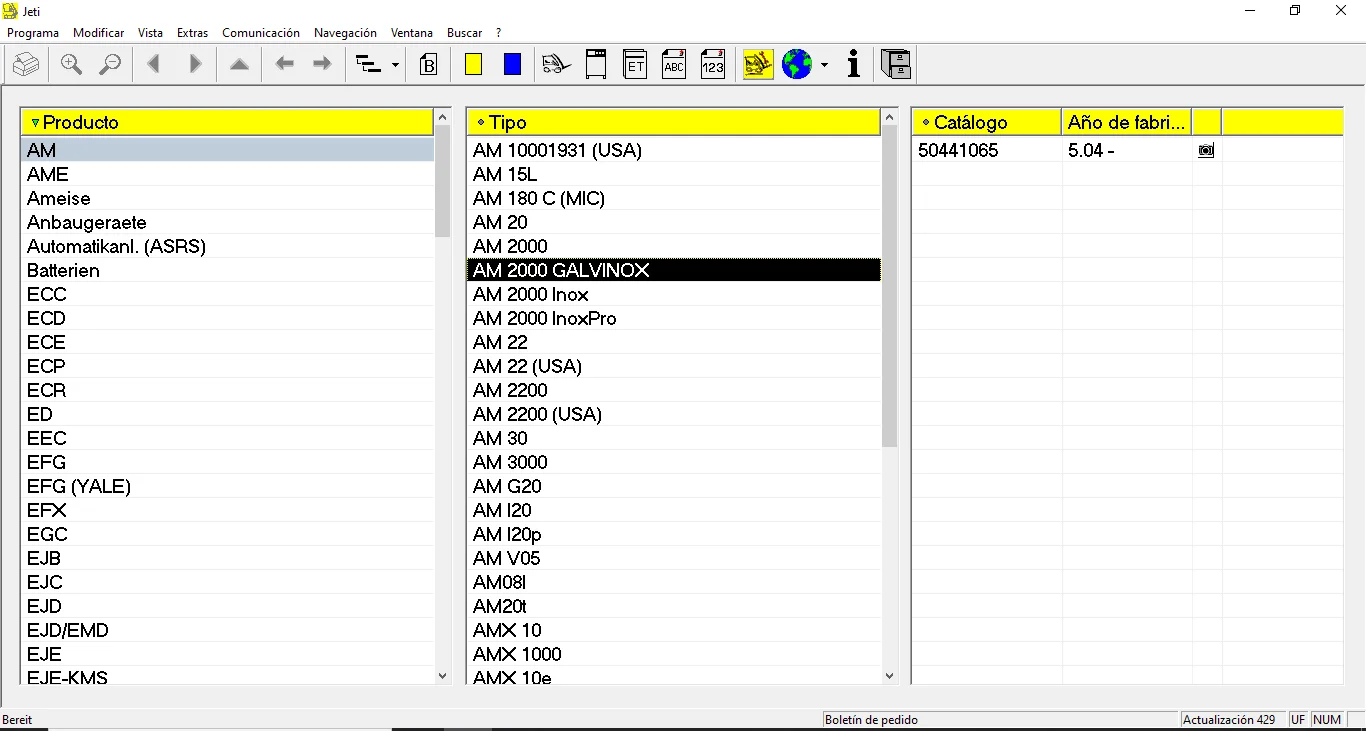
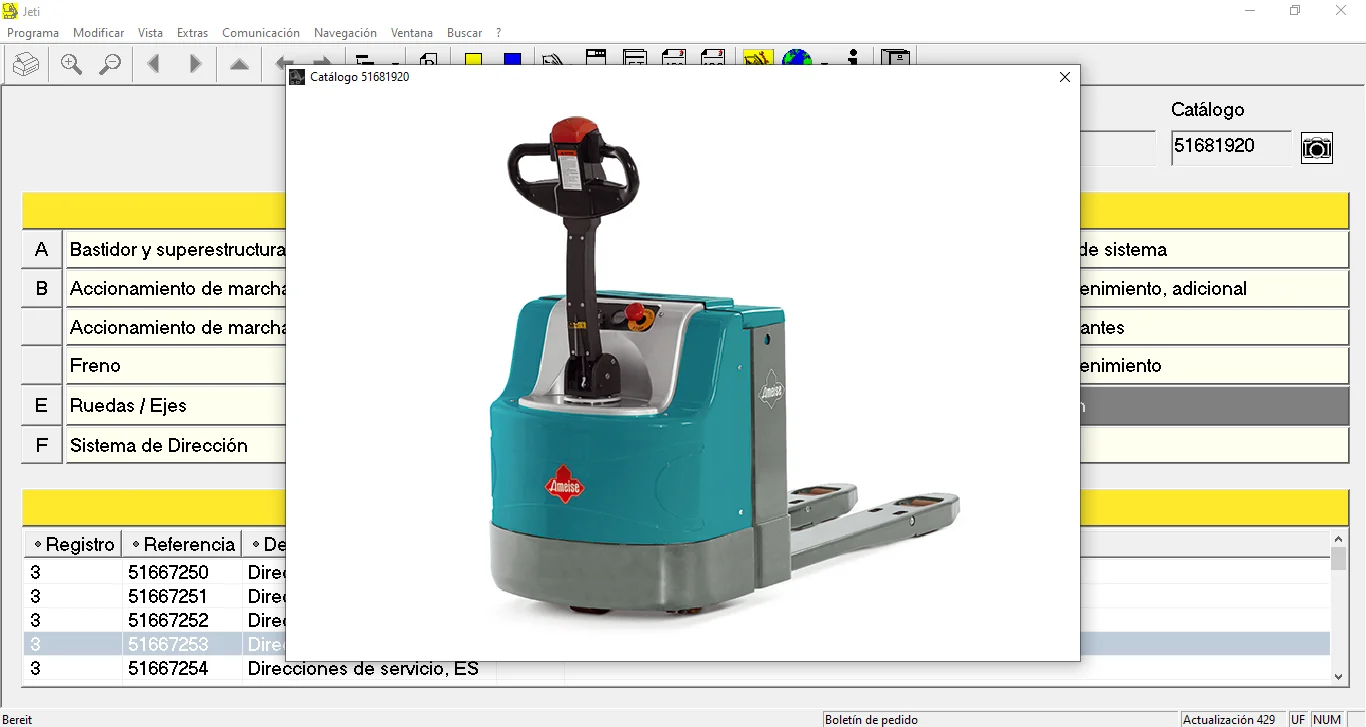
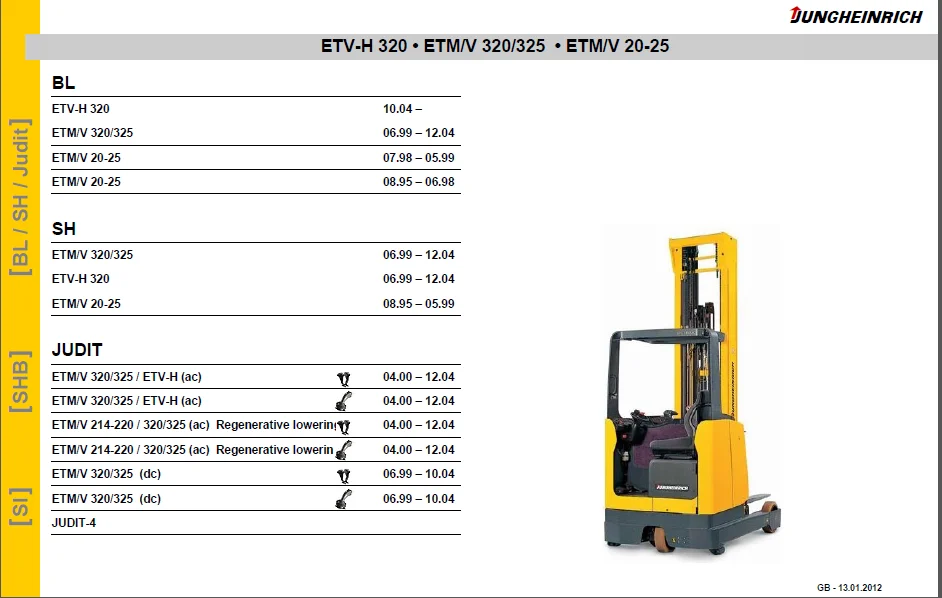
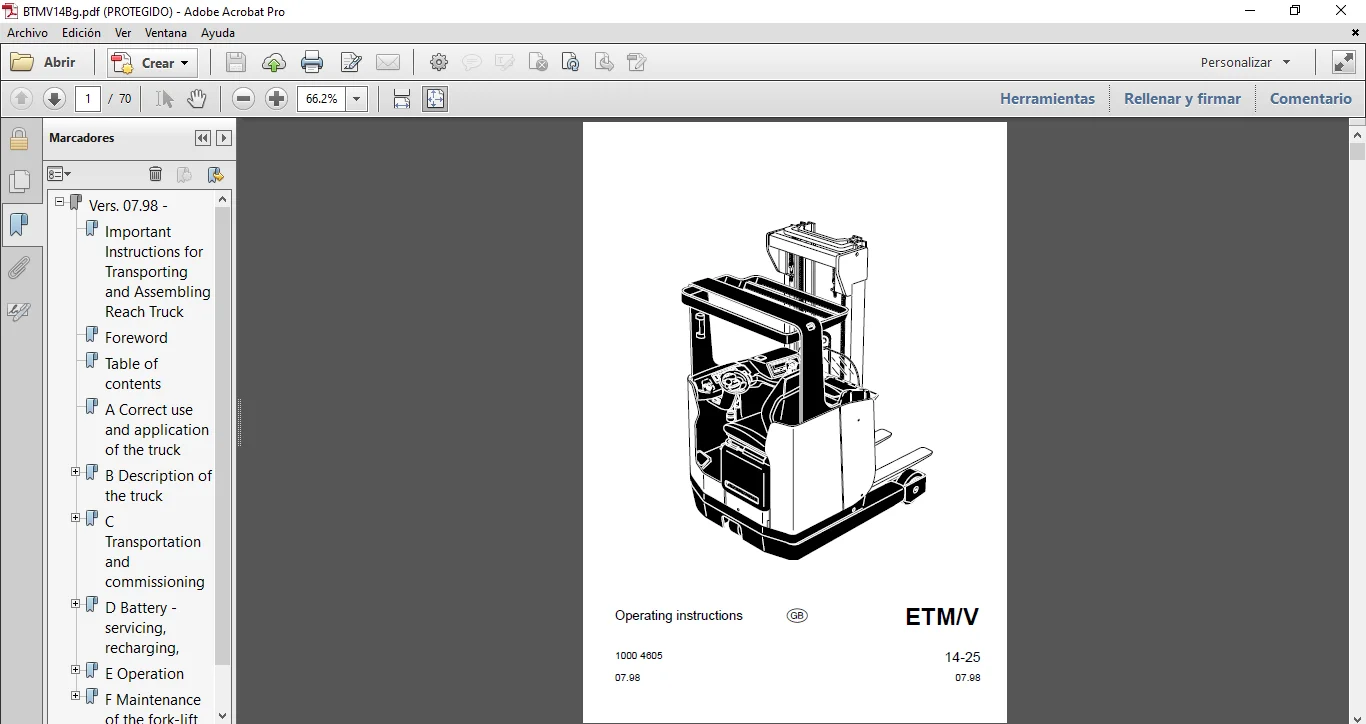
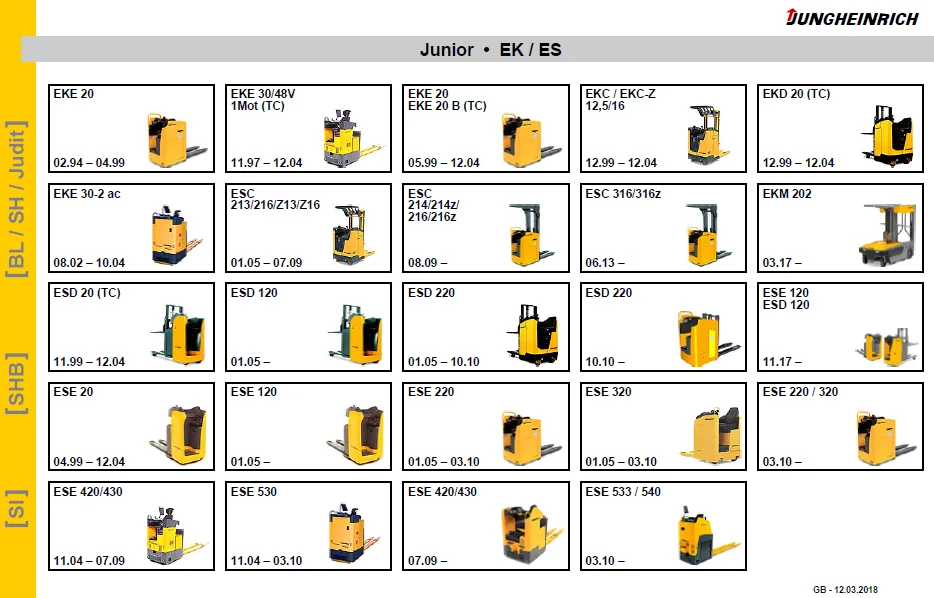
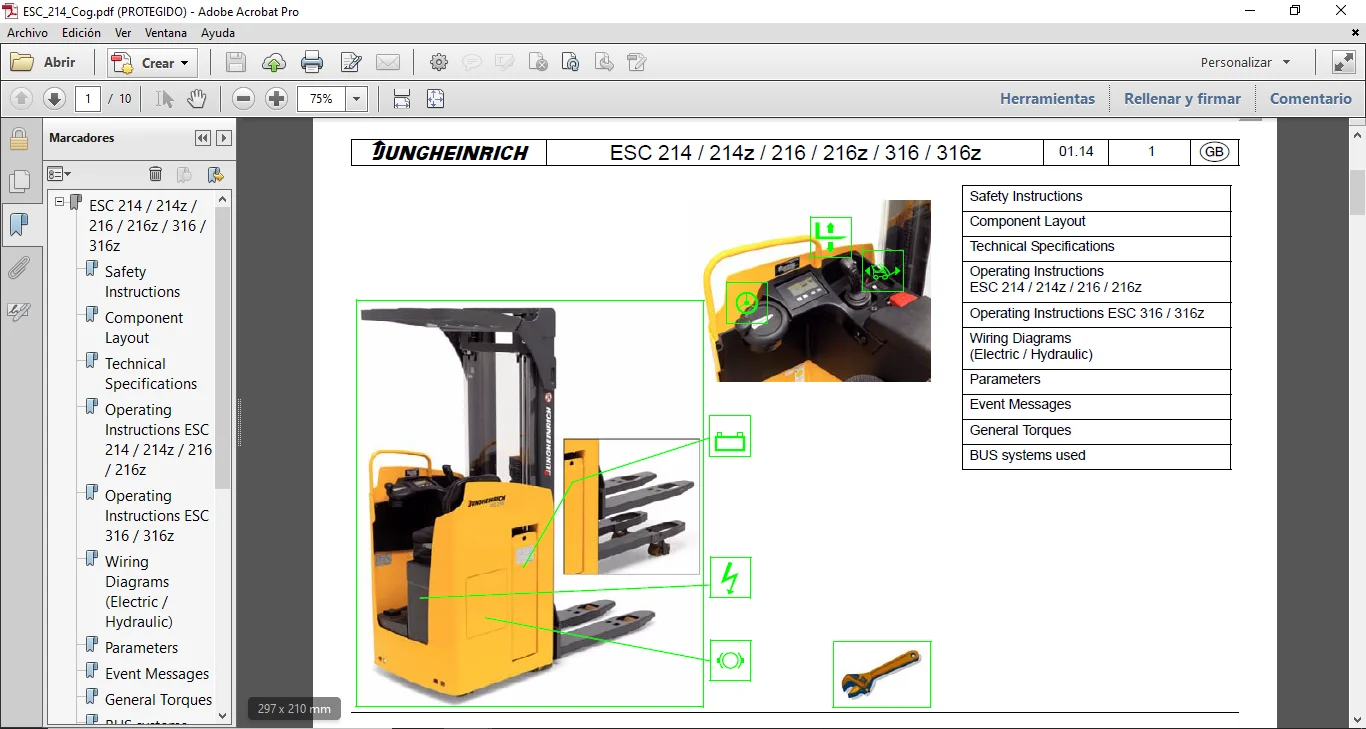
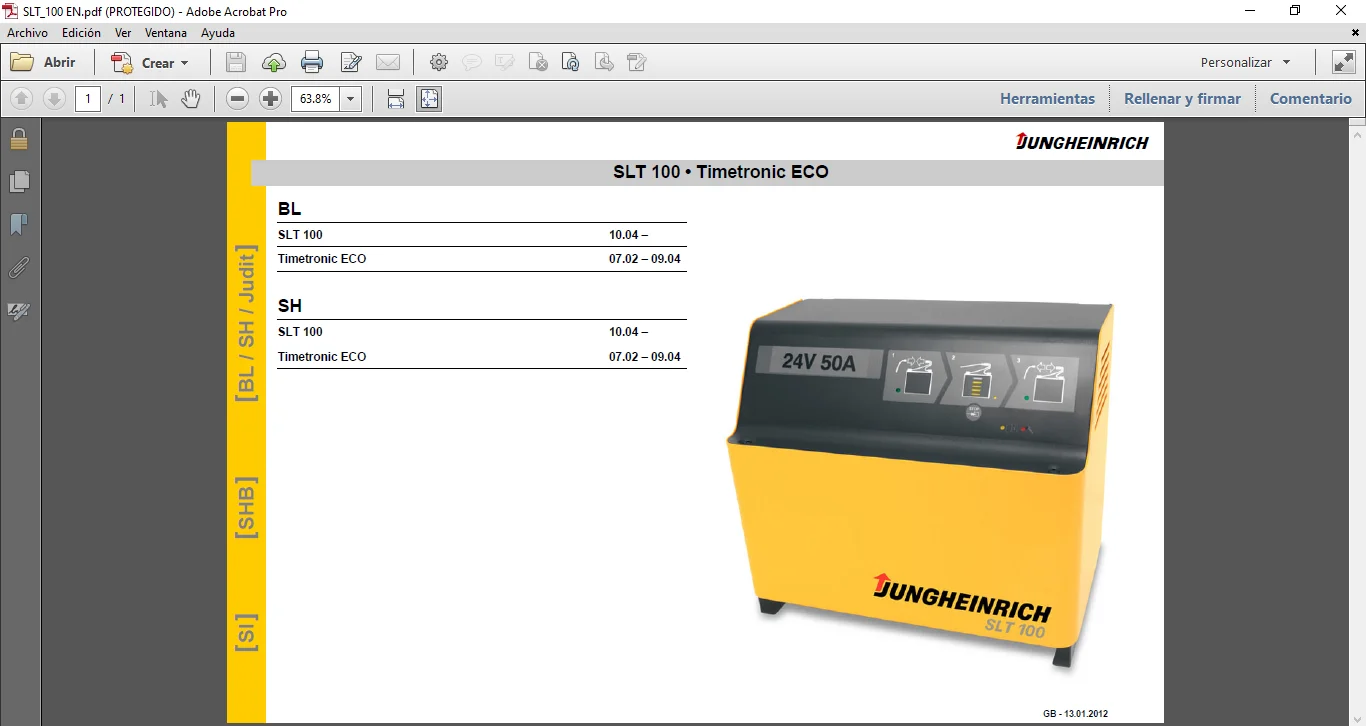
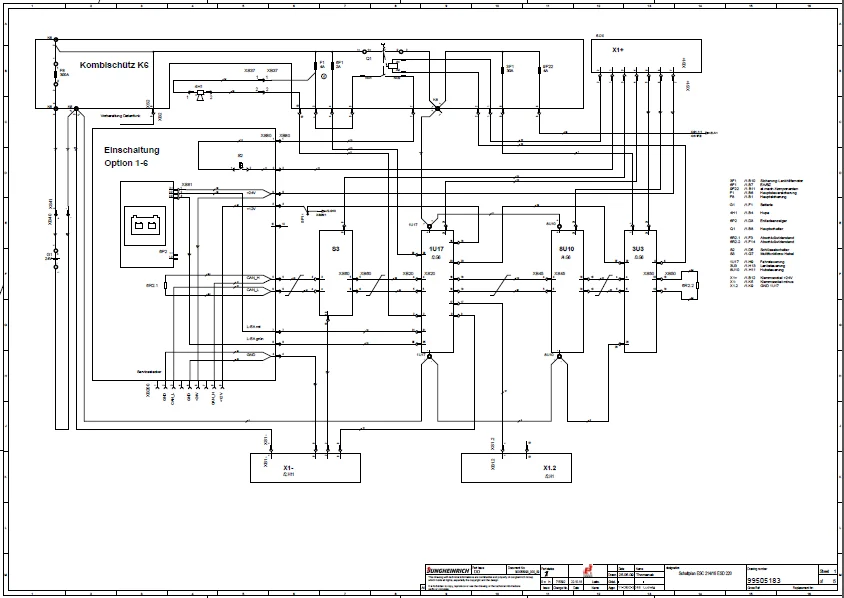
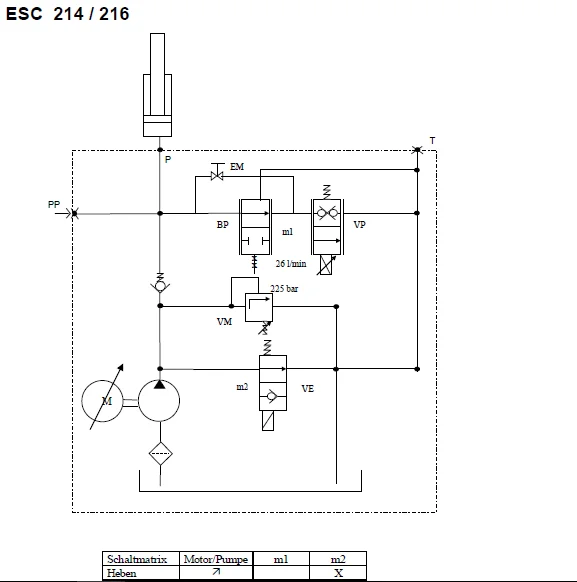
Jeti ET– parts catalog for Jungheinrich forklifts



Reviews
There are no reviews yet.