Please turn off anti-virus software and windows defender before downloading and installing.
If you choose “with keygen” ,then we will send link and keygen to you. you can install on Multi PCs |
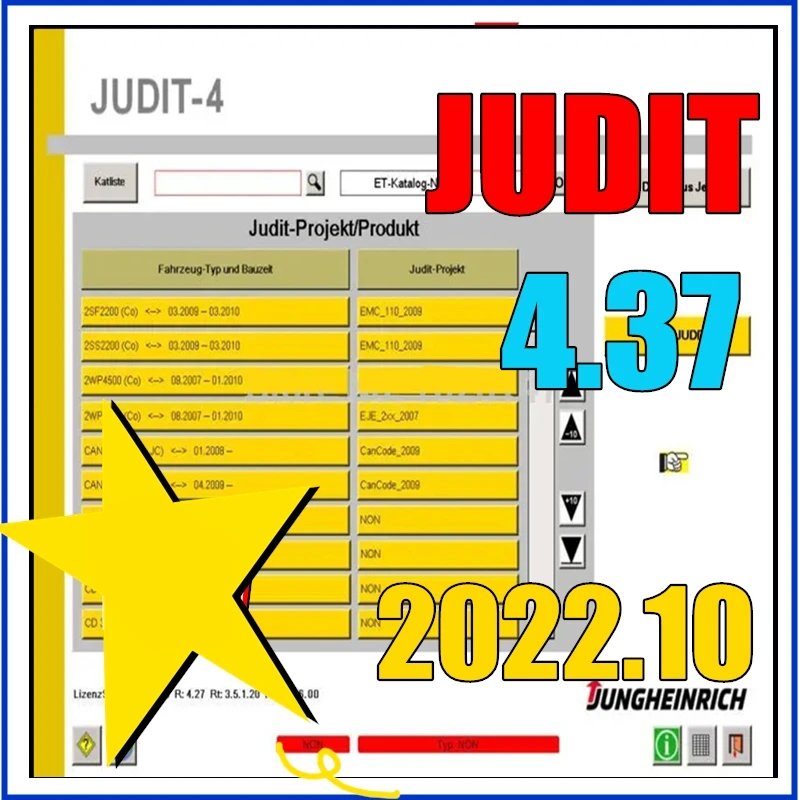
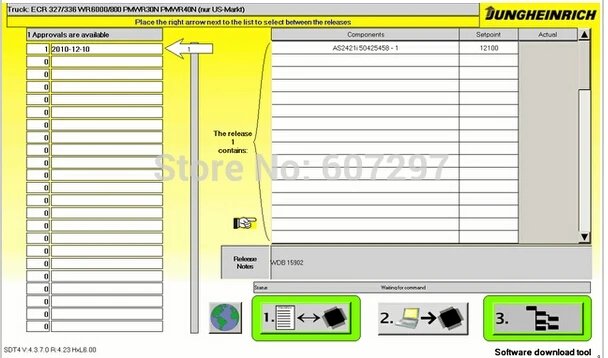
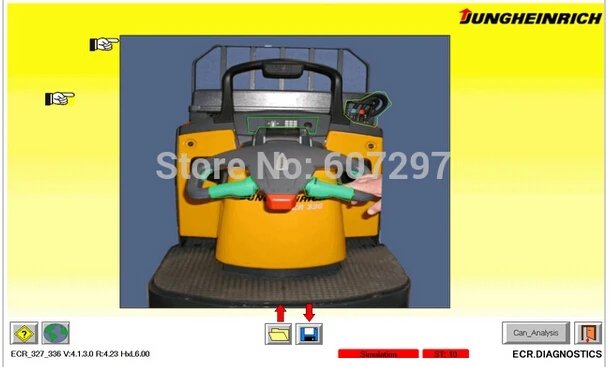
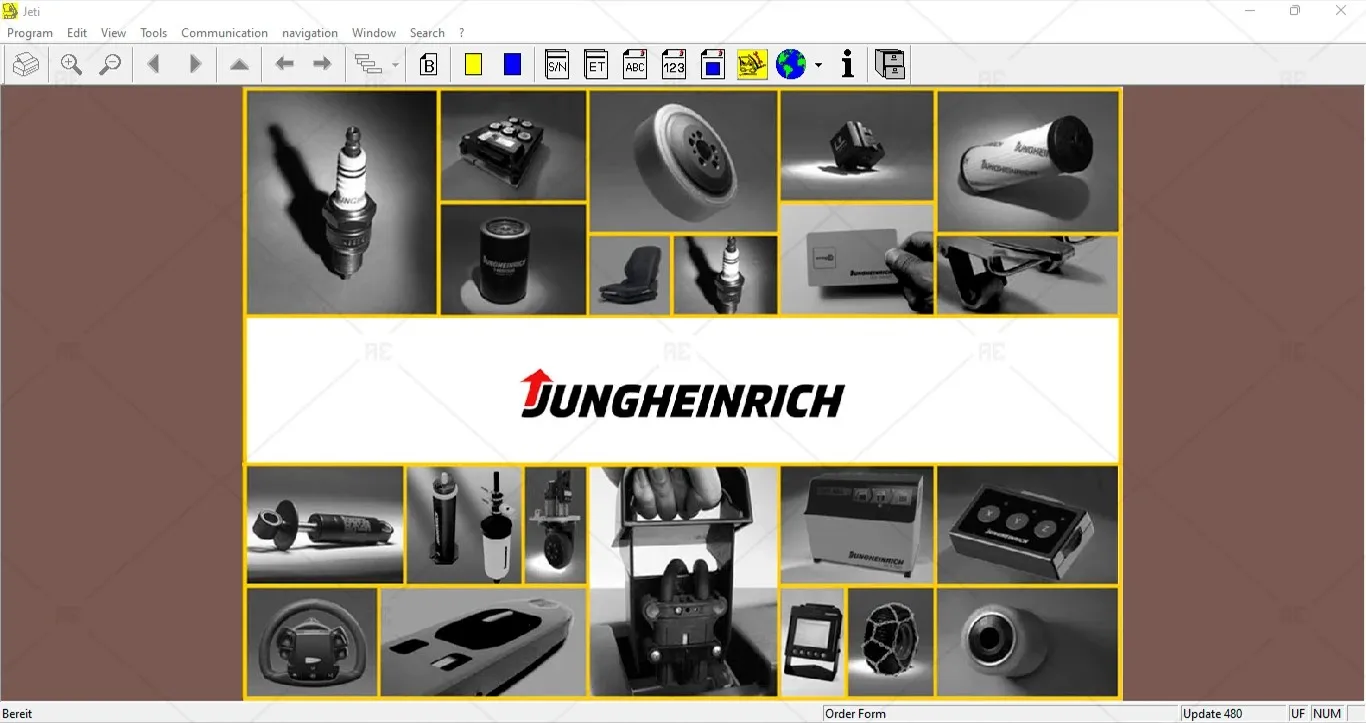
Software JUDIT-4 Ladies and Gentlemen,Together with this memo you are receiving the current Jungheinrich diagnostic tool software on this DVD.How to install
Changes and supplements:
The following items have been improved or newly introduced in this issue:
· Basic software CoDeSys Runtime [version 3.5.1.20] debugged
· Miscellaneous projects revised
· Selection Katliste.csv aligned
· Zusatzdiagnose setup process reorganized,therefore a new one-time installation is necessary!
Initial Setup on service laptop:
1. Judit-4
· Note: the initial setup requires admin permissions!
(For initial setup under control of JH-MTATools see page 4)
· Insert DVD and launch Windows Explorer.
· Right click Judit-4-Installer.exe to start installation.
· Mark “Update”. Finally click button “Start”.
· Mark “Full installation” if an older version has to be uninstalled (the content of the folder C:Program FilesJungheinrich AGDiagnoseJudit-3 will be deleted completely!). Finally click button “Start”.
· End of installation is indicated by the following dialog box. Hit Button “OK” to exit.
· Make sure that the Judit-4-license file “License_JH.lfj” is present inside the folder “C:Program
FilesJungheinrich AGDiagnose Judit 3Kunde”,otherwise you will receive an error message 100 when starting Judit-4 !
· Note: JUDIT 4 must be installed to C:Program FilesJungheinrich AGDiagnoseJUDIT-3 !
. Auxiliary Diagnostic Program and OEM-Software (see also Zusatzdiagnose 4.27.pdf!)
· For installation of the Auxiliary Diagnostic Program “Zusatzdiagnose-Setup.exe” has to be executed from the DVD.
· Note: during the installation of SICK software CDS you will be asked for restarting. Please
click on button NO and restart only when installation has finally finished!
Installation via JH-MTATools:
· If JH-MTATools (> = version 1.00.0010) is present on the service PC,installation is possible
with only user permissions. No admin required.
· Insert DVD and open Windows-Start-Menu. Run “Judit 4 Setup” under Start / Program Files /
JH-MTATools.
· If not currently present,copy license file “License_JH.lfj” into the folder “C:Program
FilesJungheinrich AGDiagnose Judit-3Kunde”,otherwise you will receive the error message 100 when starting Judit-4 !
· For installation of the Auxiliary Diagnostic Program “Zusatzdiagnose-Setup.exe” open
Windows-Start-Menu. Run Start / Programme / JH-MTATools / Judit ZD Update. Please follow the note on page 3 below!
24.03.2022
Changes
The JupesLight installation package can now be deselected.
The following projects have been adjusted.
Judit-4.36.00.156_EKS_110_2015_455o
Judit-4.36.00.167_ETR_2xx_2015_FG_4210.exe
Judit-4.36.00.168_Katliste220126.exe
Judit-4.36.00.157_EZS_7280_2017_4140
Judit-4.36.00.169_EKS_314_2016_4270.exe
Judit-4.36.00.171_Katliste220217
Judit-4.36.00.175_Lizenzstart_4480
Judit-4.36.00.174_EMC_1xx_B10_2022_4000.exe
Judit-4.36.00.176_Telematicbox_2018_4270
Judit-4.36.00.177_ERC_2xx_2019_4150.exe
Judit-4.36.00.178_ERxi_2019_4100.exe
Judit-4.36.00.179_ERDi_20121_4010.exe
       | ||

Reviews
There are no reviews yet.